








Snow- Digital Overlays
19,99 €
Description
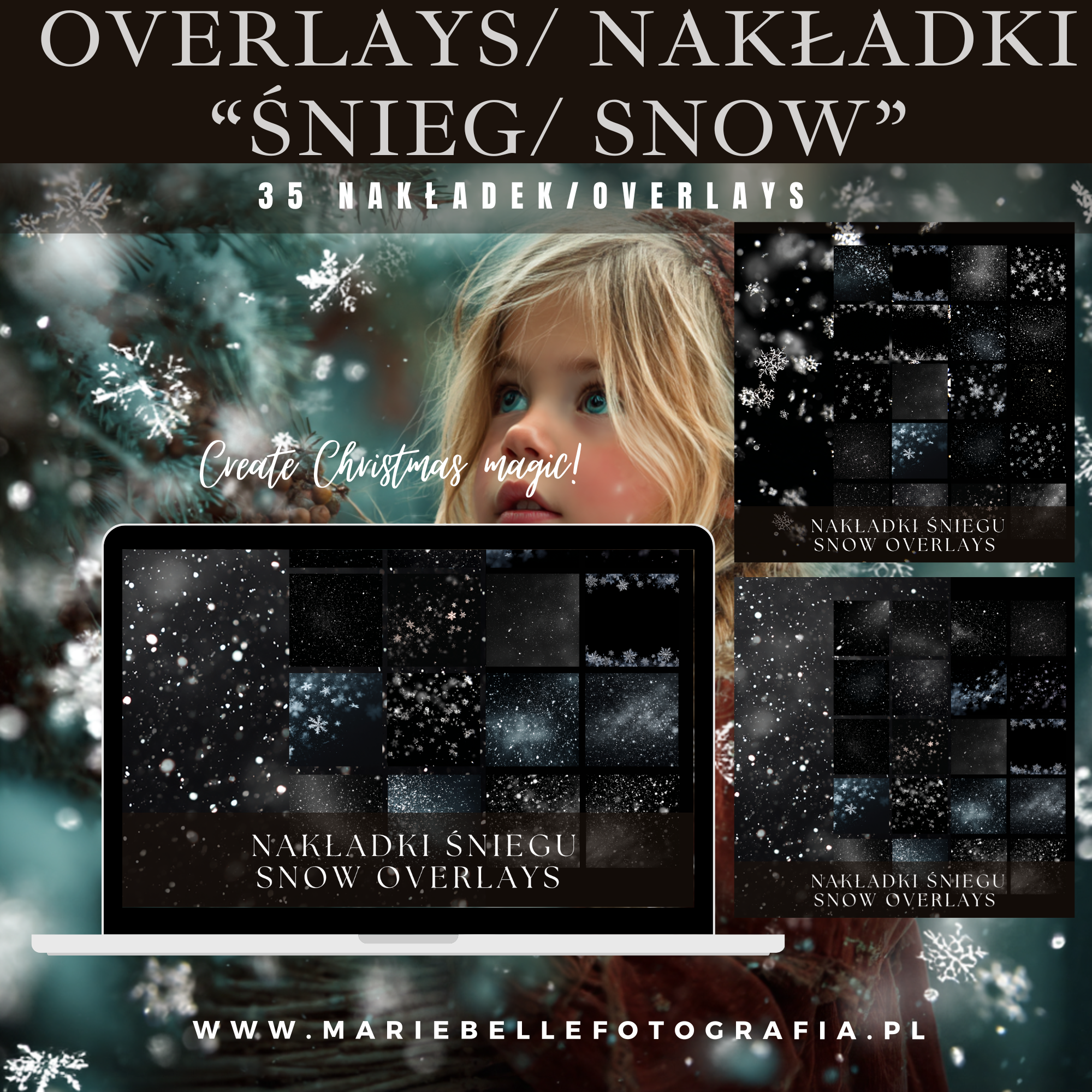
Snow Overlays – 35 Magical Snow Overlays for Photoshop
Turn an ordinary photo into a winter wonderland with just one click!
This unique collection of 35 “Snow Overlays” was created for photographers, digital creators, and designers who want to add a touch of lightness, chill, and winter magic to their projects.
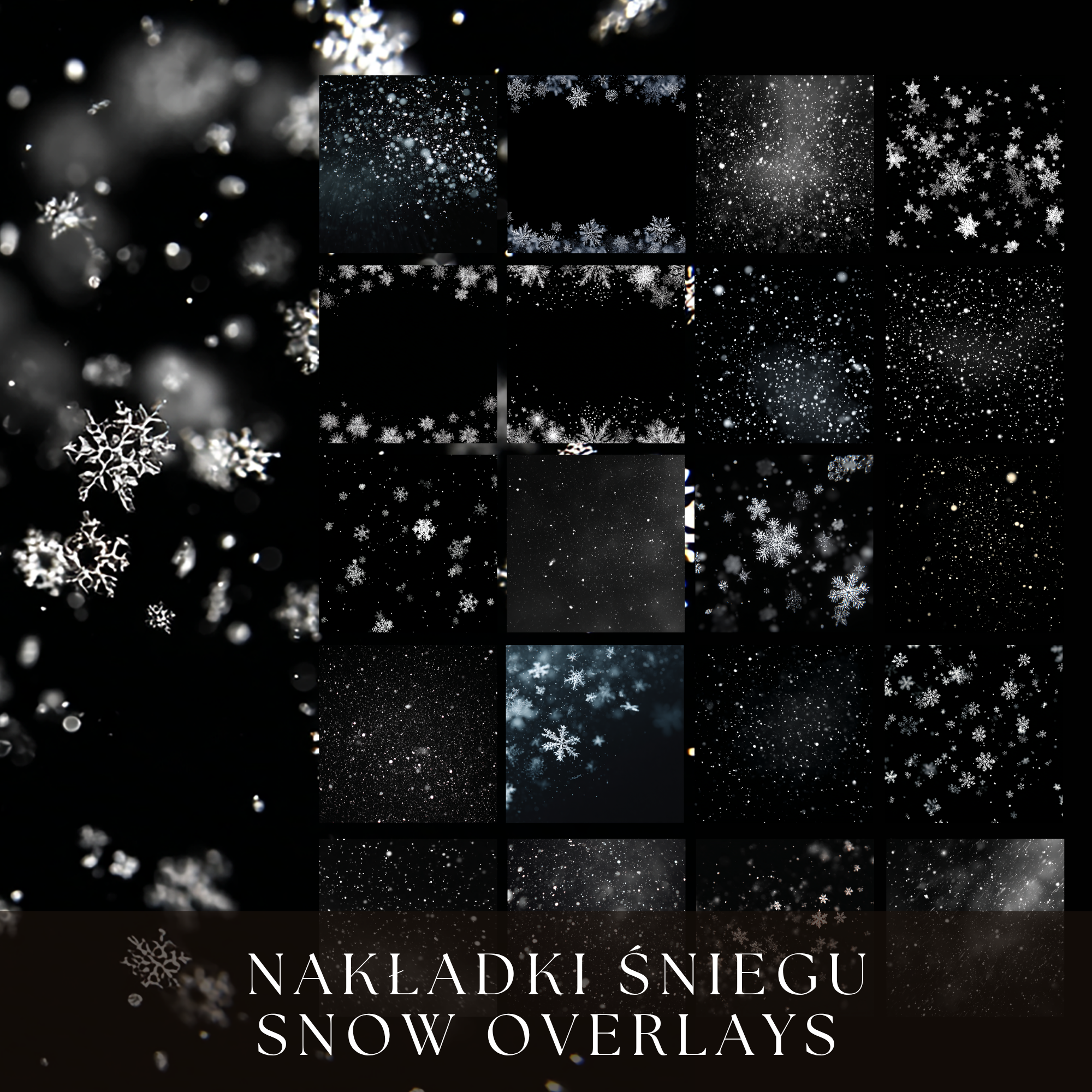
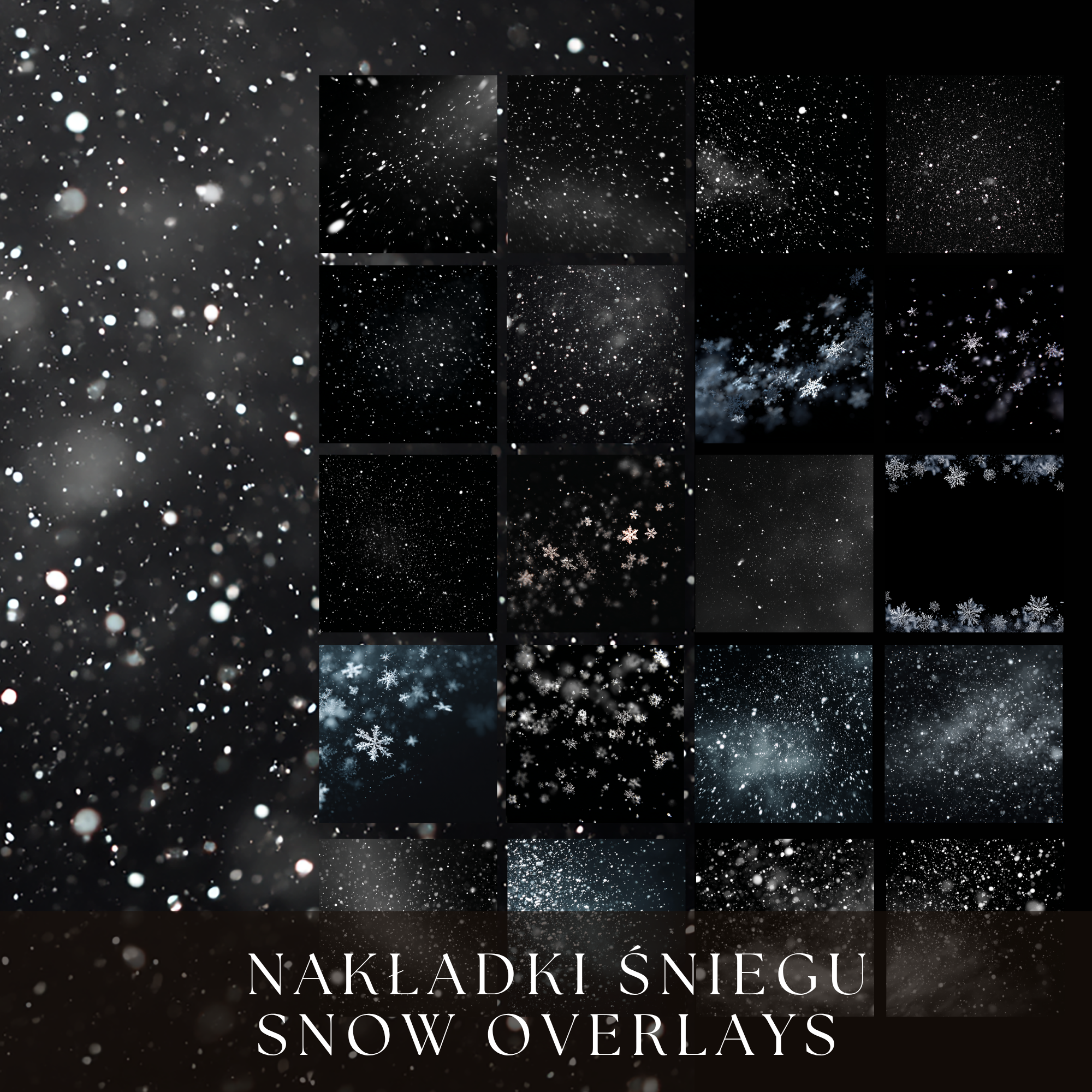
Each overlay creates a realistic falling snow effect — from gentle flakes to a heavy snowstorm. Perfect for holiday sessions, portraits, landscapes, or advertising graphics.
What’s included:
-
35 high-quality snow overlays (PNG on a black background)
-
Various styles: light snow, blizzard, soft flakes, frost effects
How to use:
-
Open your photo in Photoshop (or any program that supports layers).
-
Drag your chosen overlay onto the image.
-
Set the Blend Mode to SCREEN.
-
Adjust opacity, size, or position – and enjoy the effect of a winter fairy tale!
Perfect for:
-
Winter and Christmas photo sessions
-
Portraits, landscapes, and lifestyle photos
-
Creating cards, invitations, promotional graphics, and social media posts
Specifications:
-
File format: PNG
-
Background: Black (ideal for “Screen” mode)
-
Quantity: 35 overlays
With just one click, you can add snow, atmosphere, and a cozy winter mood to any photo.
Turn your shots into a magical white story! 🤍
Related products
-

-

-
Sale!

Roses Wall – Digital Backgrounds
Original price was: 9,99 €.7,99 €Current price is: 7,99 €.
Reviews
There are no reviews yet.