
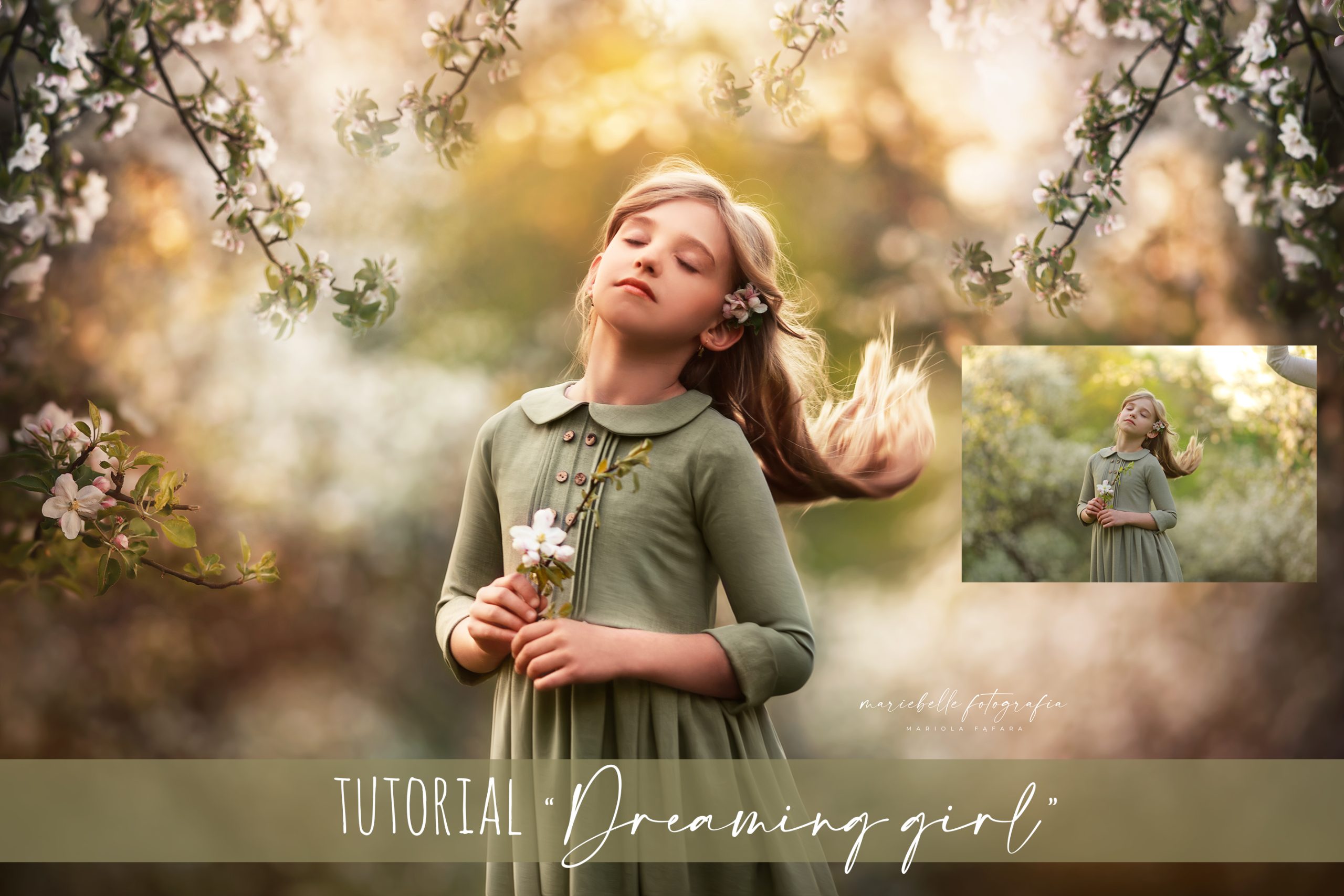
Video Tutorial „Dreaming Girl”
Original price was: 39,99 €.9,99 €Current price is: 9,99 €.
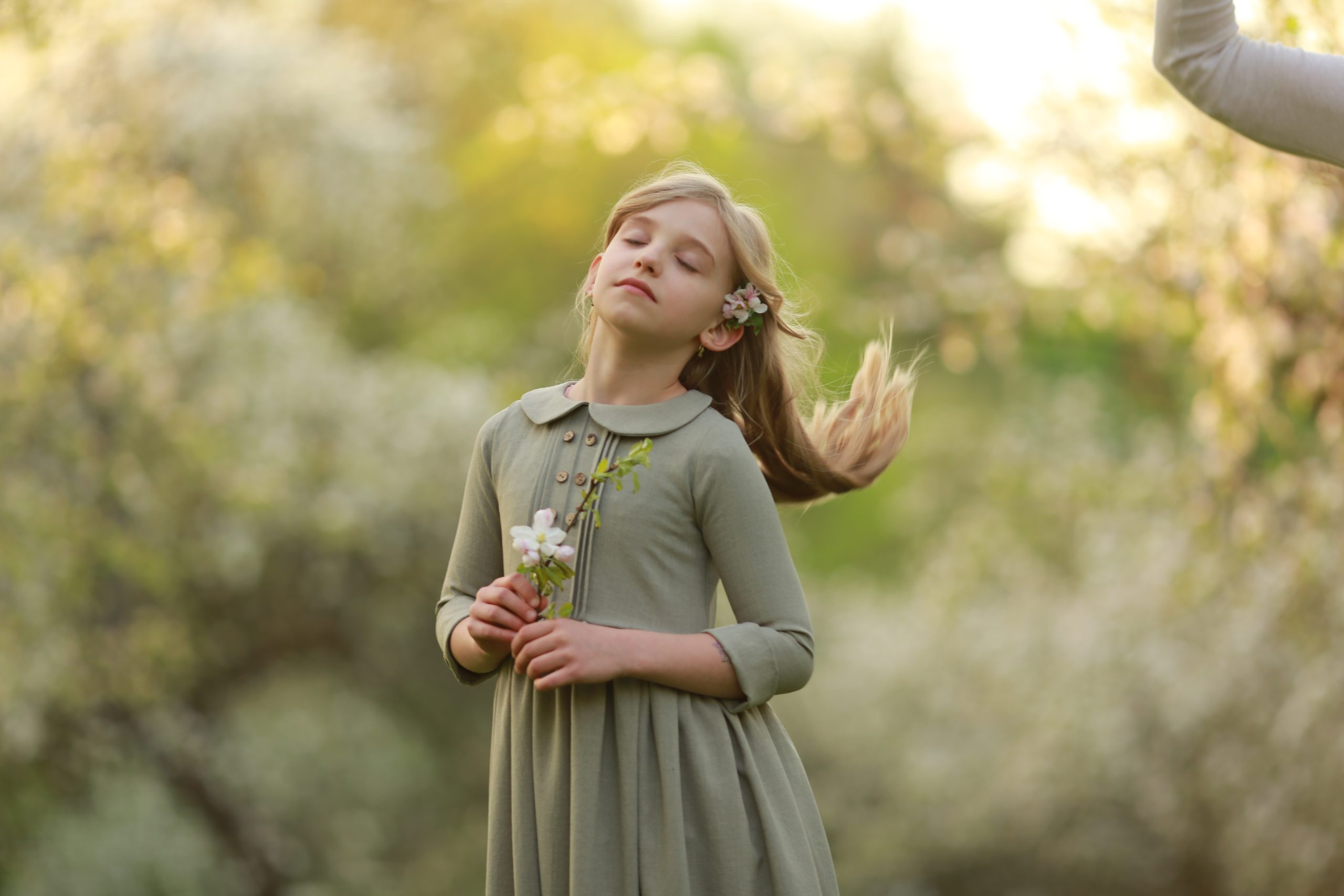
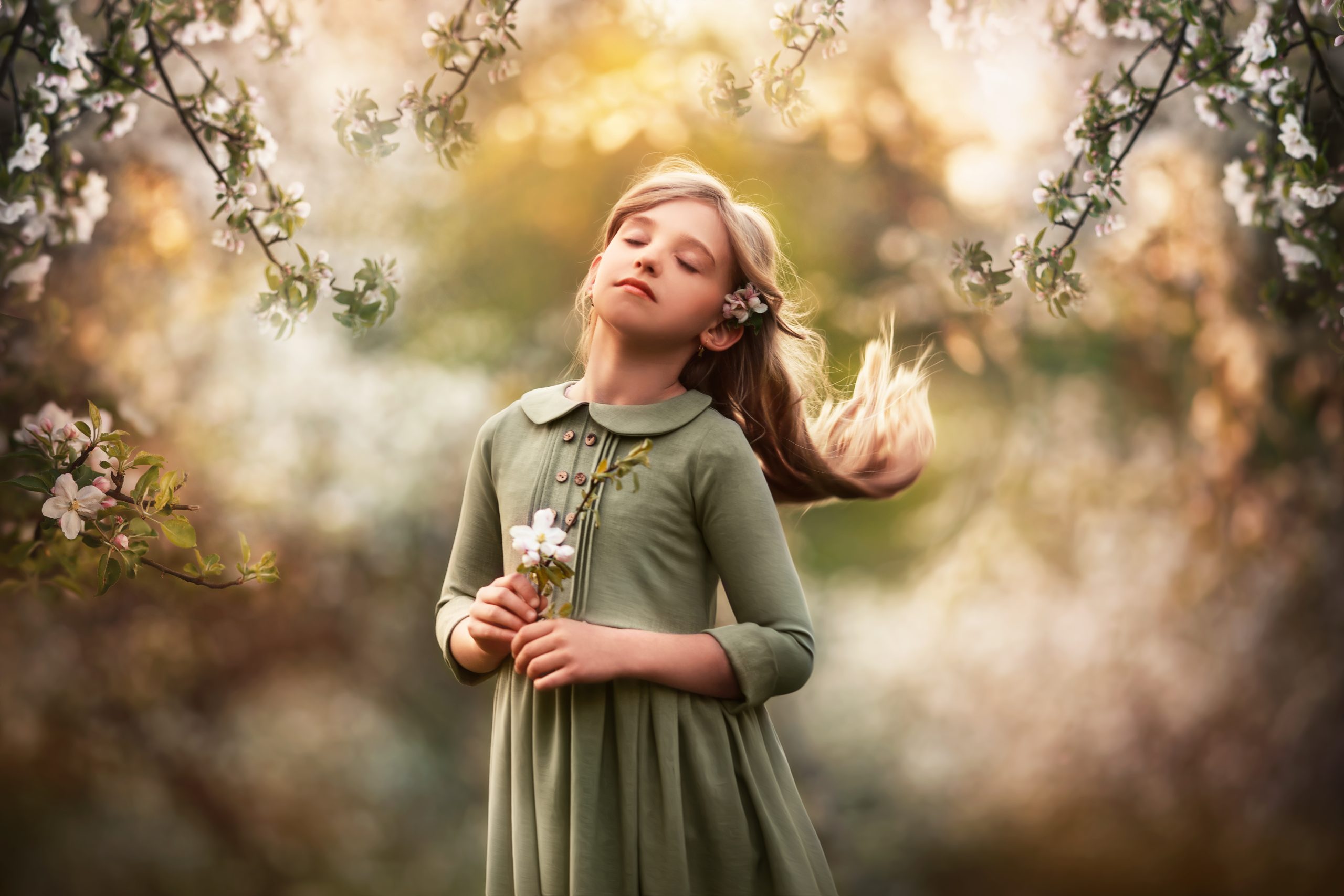
In this approx. 50 minutes long tutorial, I’ll show you how I edit the photo using Adobe Photoshop. I’ll use various techniques to achieve a painterly look.
Description
It contains all the steps necessary to achieve the effect and includes the following:
- adding apple tree branches (overlays which you receive with this tutorial)
- blurring the background
- colour change using a couple of techniqes,
- skin editing,
- applying blush on cheeks,
- using Frequency & Separation Action to even out the skin colour
- quick dodge & burn technique
- working with liquify tool,
- changing the colour of the dress
- and more.
WHAT YOU RECEIVE:
- Adobe Photoshop Actions: Skin Blurr/ Creamy skin Colour/ Frequency & Separation
- Apple tree branches overlays used in this tutorial
365 days ACCESS to the video.
Reviews
There are no reviews yet.